Synk 1.3.0 Release Notes
Synk 1.3.0 improves account setup with Google Sign-In, privacy transparency with gated analytics, in-app release notes, Journal actions, timer options, and sync reliability.
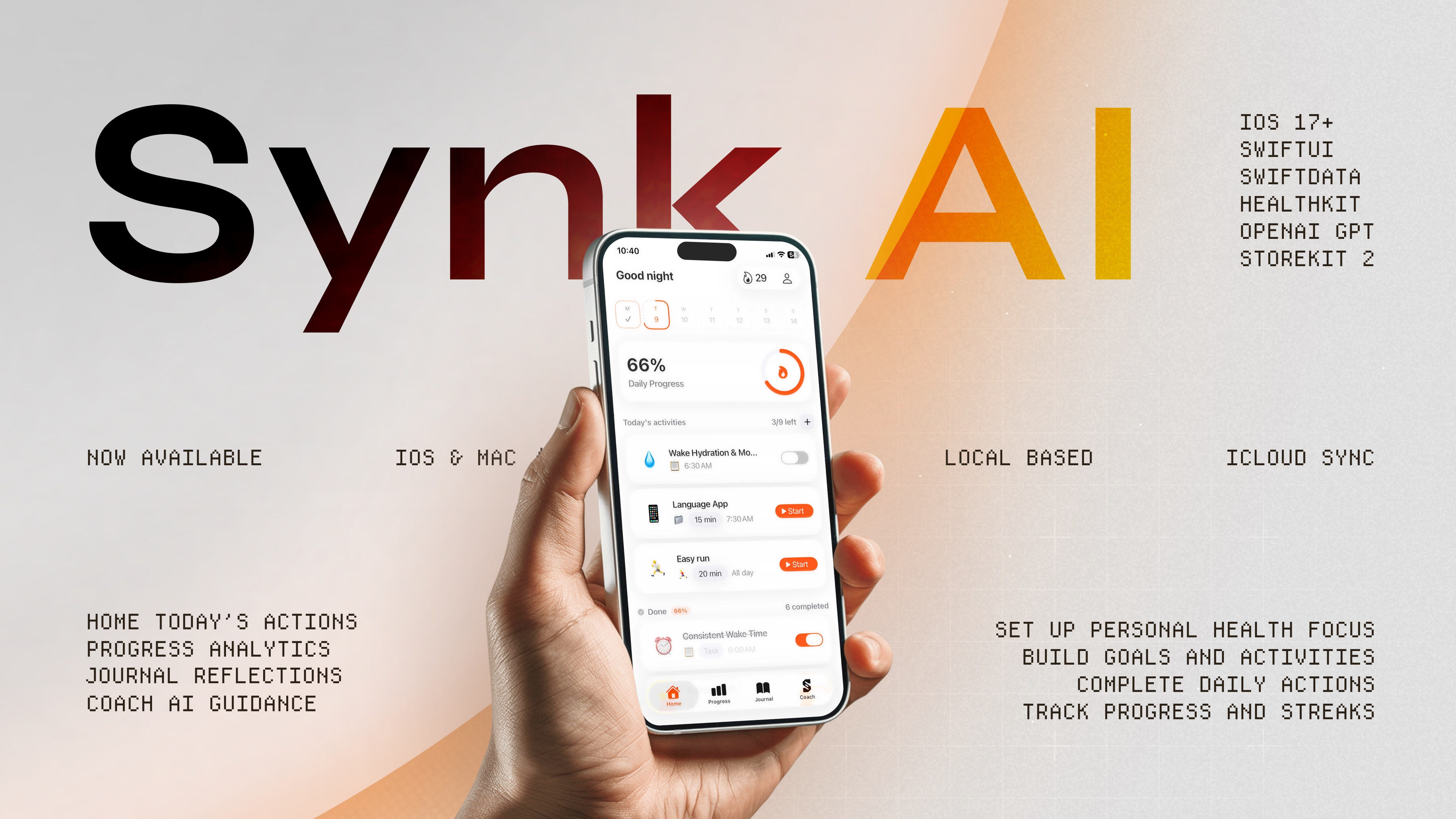
Key takeaways
- Google Sign-In is now available for easier passwordless onboarding and account setup.
- Added privacy-gated product analytics with full transparency controls and a details screen.
- Added a native release notes sheet and history view directly in the app.
- Journal notes can now be saved as local drafts, shared, or added to Apple Reminders.
- Improved timers with new visual modes and polished sync and model reload reliability.
Easier Account Setup with Google Sign-In
Onboarding is now even simpler. Alongside Sign in with Apple and Magic Link, users can now use Google Sign-In as a quick, passwordless sign-in option.
This addition updates our onboarding specifications to provide three secure, passwordless authentication paths: Apple, Google, and Magic Link, ensuring a flexible and seamless setup experience.
Privacy-Gated Product Analytics & Controls
We believe in complete transparency. Synk 1.3.0 introduces privacy-gated product analytics, giving you full control over your data. By default, your health and wellness data remains local-first and secure. When product analytics are enabled, they help us improve user experience without compromising your privacy.
The new Privacy settings controls let you toggle analytics sharing off or on at any time. We also added an Analytics Details screen to clearly explain exactly what is collected and what is kept private.
In-App Release Notes and History
You can now stay up-to-date with product changes directly inside the app. Synk 1.3.0 features a native release notes sheet that automatically displays current version highlights.
We have also added a release notes history view under the About screen so you can review past updates at your convenience. During onboarding, the current release is marked as seen once your setup is completed.
Polished Journal Workflows and Actions
Journaling is a core part of wellness memory. To protect your thoughts, new notes can now be saved as local drafts and restored later if you close the editor before saving.
You can also share your notes using the system share sheet, or turn them into tasks in Apple Reminders using EventKit when you choose to add a note to Reminders. Finally, the rich text formatting panels and note detail layouts have been refined for a cleaner editing experience.
Visual Activity Timers and Fallbacks
We have polished our timers to make focused activities more engaging. Synk 1.3.0 adds two new timer visual options: Contour Lines and Storm.
Additionally, we improved fallback behaviors when a saved background or sound requires Pro access, and improved running timer restore behavior when older saved records are missing accumulated elapsed time. Streak progress, activity detail actions, and weekly progress surfaces also received layout refinements.
Sync Reliability and Under-the-Hood Improvements
Behind the scenes, we’ve worked on ensuring that Synk is as reliable as possible. HealthKit quantity queries now use focused helper paths for cumulative and latest-sample reads, improving data performance.
We also extracted sync batch planning into a testable planner, added retry logic for model-container reloading when data scope changes during reload, and introduced Coach prompt-cache telemetry along with local quick replies to reduce unnecessary AI requests.
Build the daily plan behind your wellness goals
Synk AI turns goals, activities, journals, and HealthKit-derived progress into a clear daily action plan.
Explore Synk AI