01
People building healthier days
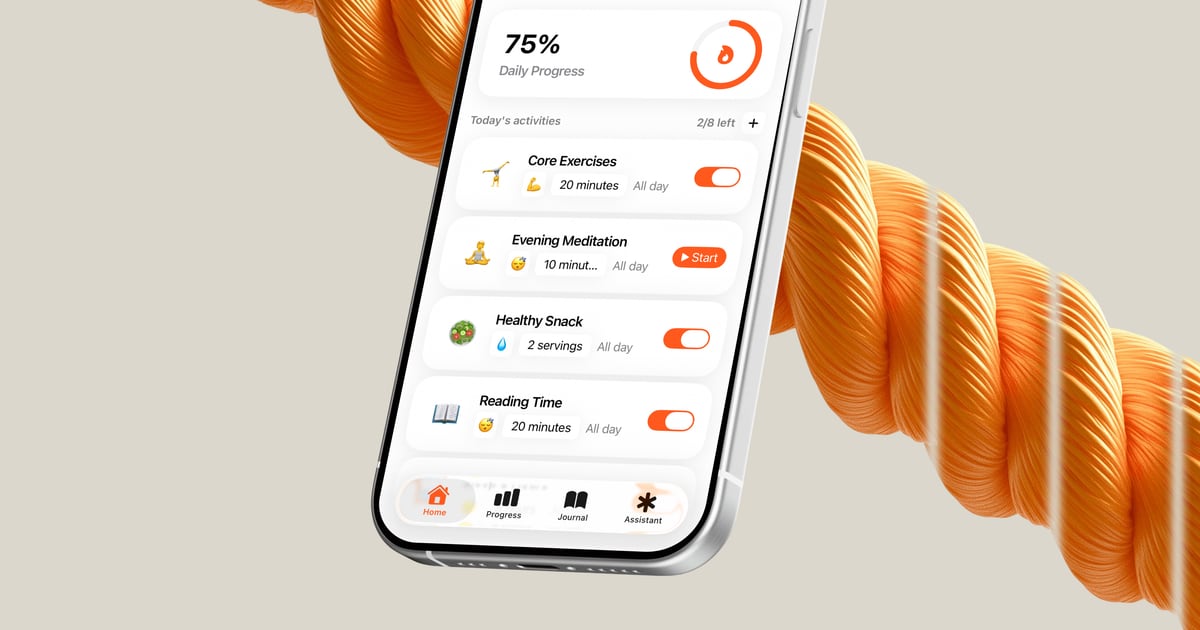
Turn goals like better sleep, hydration, movement, or mindfulness into specific activities that show up when they matter.

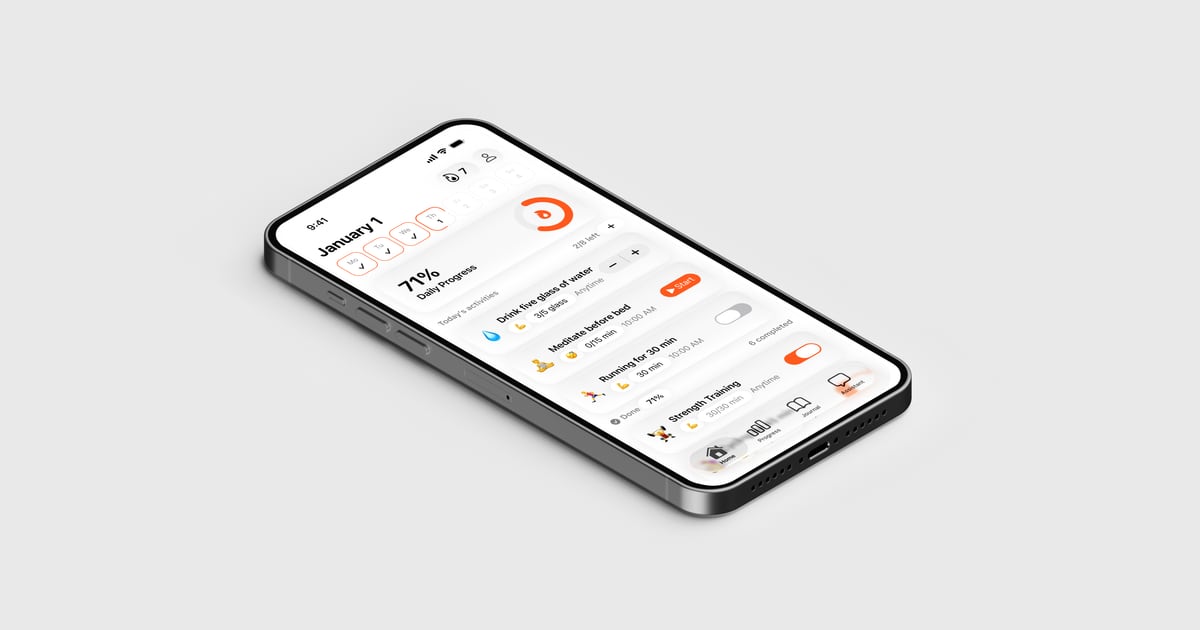
Synk AI brings goals, habits, timers, journal notes, and Apple Health-derived progress into one local-first app. See the next action, understand what changed, and ask AI Coach for help adjusting the plan.
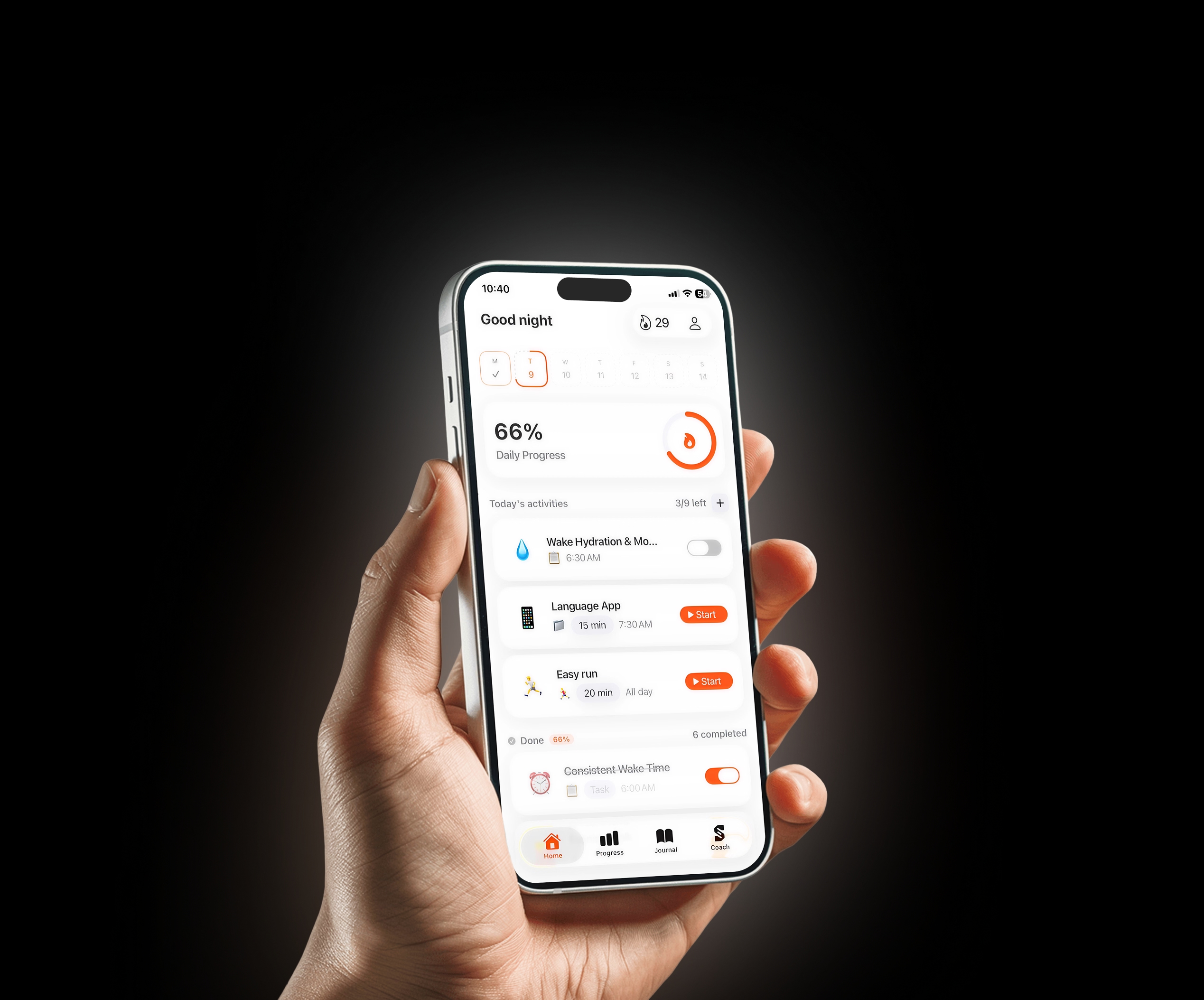
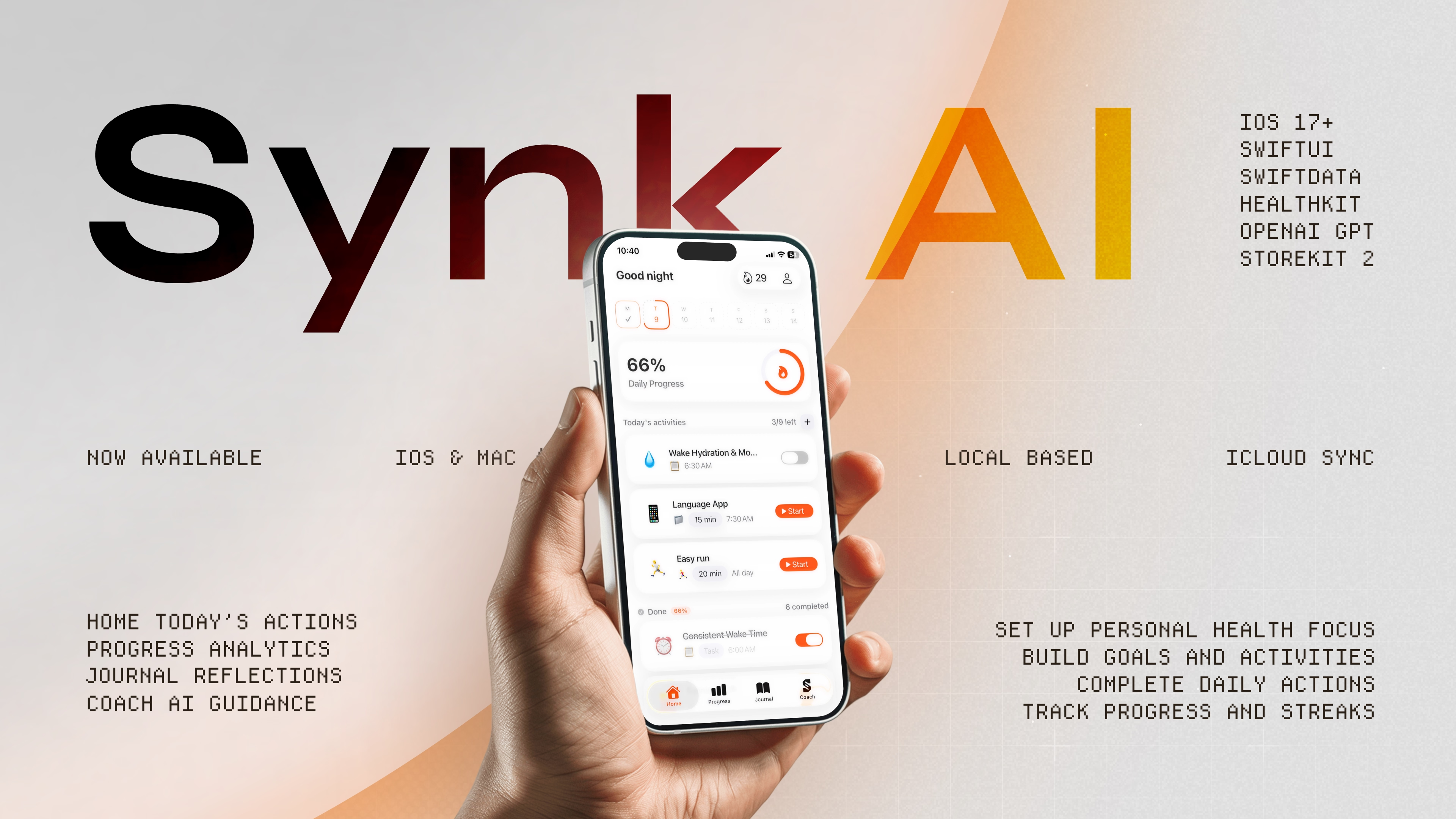
Home Today's Actions
Progress Analytics
Journal Reflections
Coach AI Guidance
Set up personal health focus
Build goals & activities
Complete daily actions
Track progress & streaks
Synk AI is your recovery assistant that turns vague intentions into clear, OKR-style goals and guides you through restorative actions every day
Product tour
See how goals, activity logs, journal memory, and AI Coach stay connected in one local-first workflow.
App surfaces
Open one screen and see the habits, timers, and logs that matter today.
Connect goals to real activities so progress shows what is working, not just what was tracked.
Keep notes, mood, activity history, and reflections in the same place as your goals.
Ask AI Coach to draft goals, improve activities, or explain patterns using context you choose.
Use the app offline by default, protect it locally, and enable sync only when you need it.
Keep active sessions, streaks, and daily snapshots visible beyond the main app.
Daily workflow
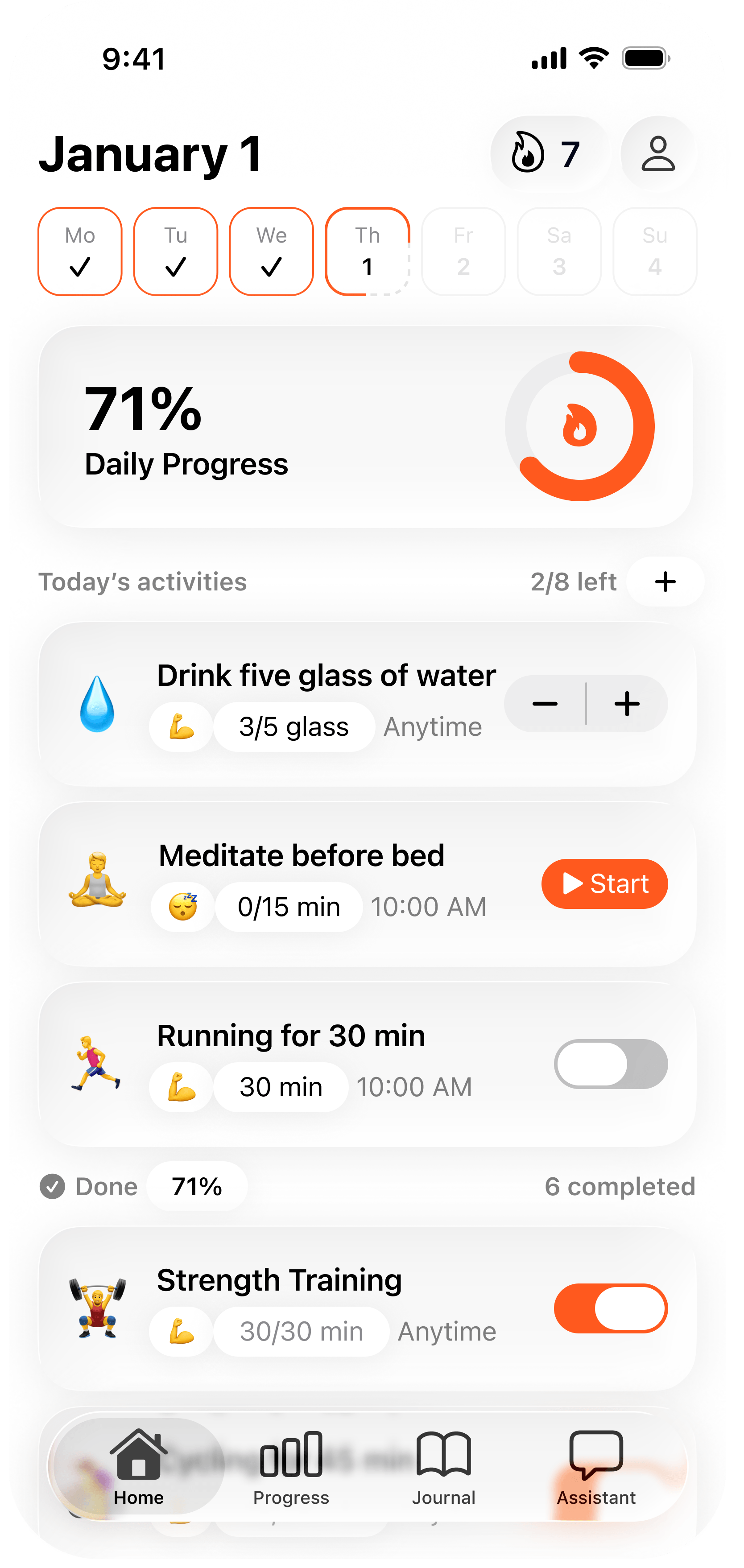
Set a goal, complete today's activities, review what changed, then adjust tomorrow's plan.
Plan
Pick the health result you want and define the actions behind it.
Act
Finish habits, update counts, or start a timed session from Home.
Learn
Use progress and Journal context to see what helped or stalled.
Adjust
Use Coach to refine the next action, schedule, or goal draft.
Product chapters
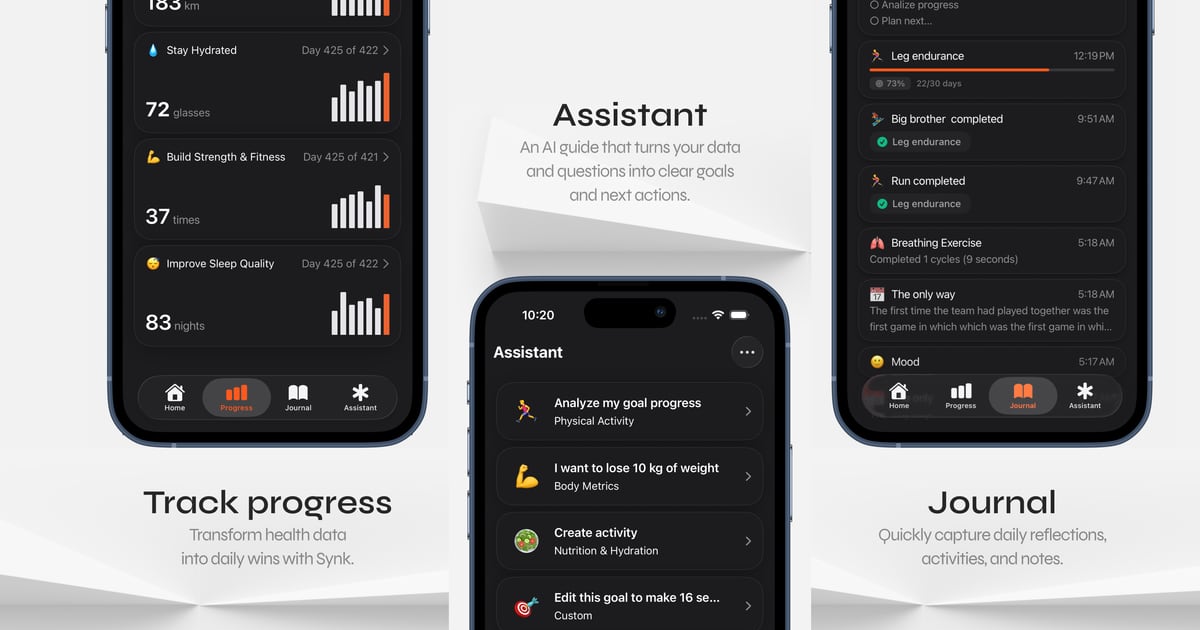
Synk keeps planning, progress, journal context, and AI guidance connected without making the routine feel heavy.
Synk turns wellness goals into scheduled activities you can actually complete today, from quick habits to timed sessions.
Know what is due now, what is coming later, and what should wait until another day.
Complete habits, increment counts, start timers, and keep streaks moving in a few taps.
Your actions save locally first, then sync later if you choose iCloud or Synk Cloud.
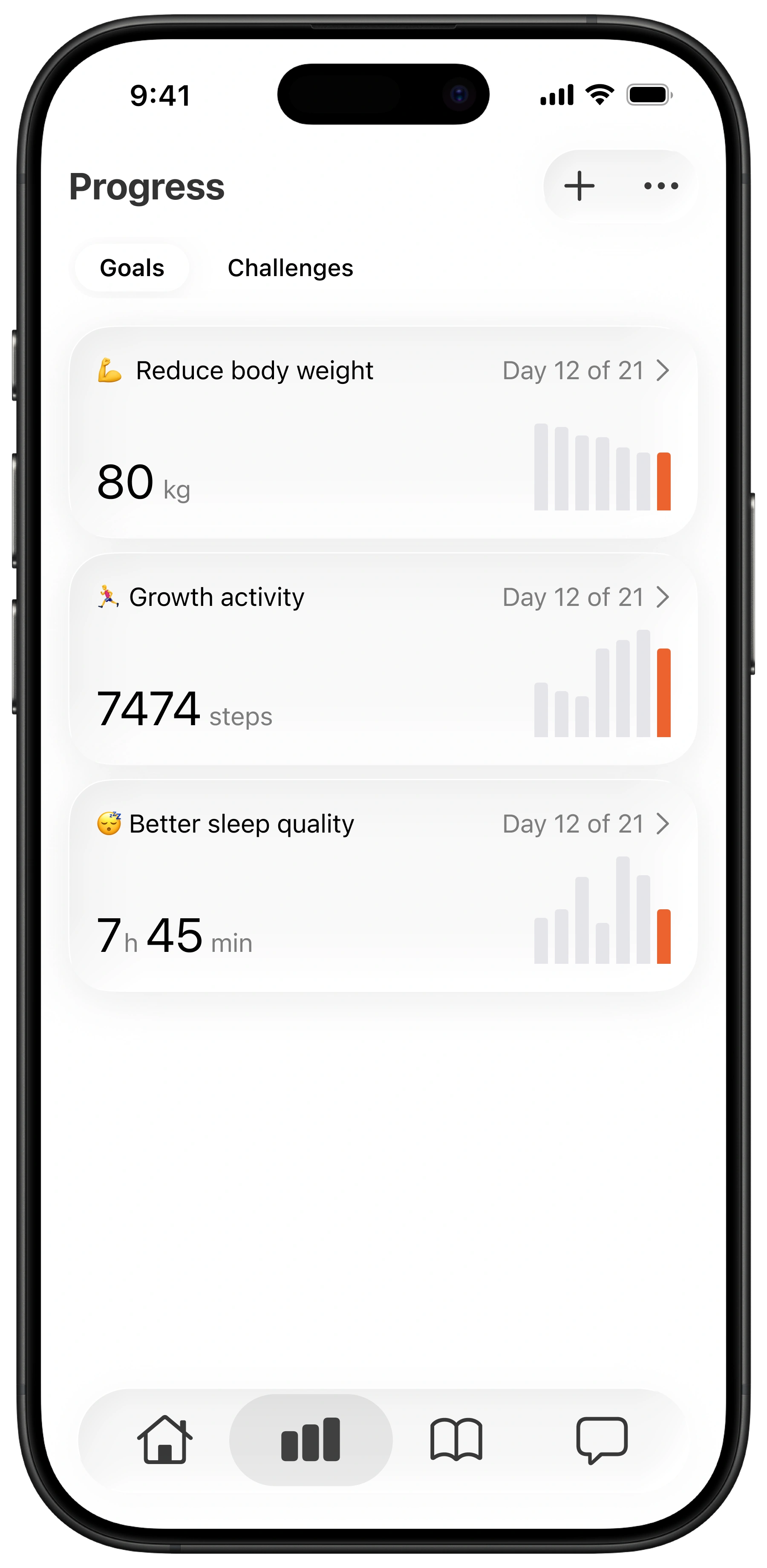
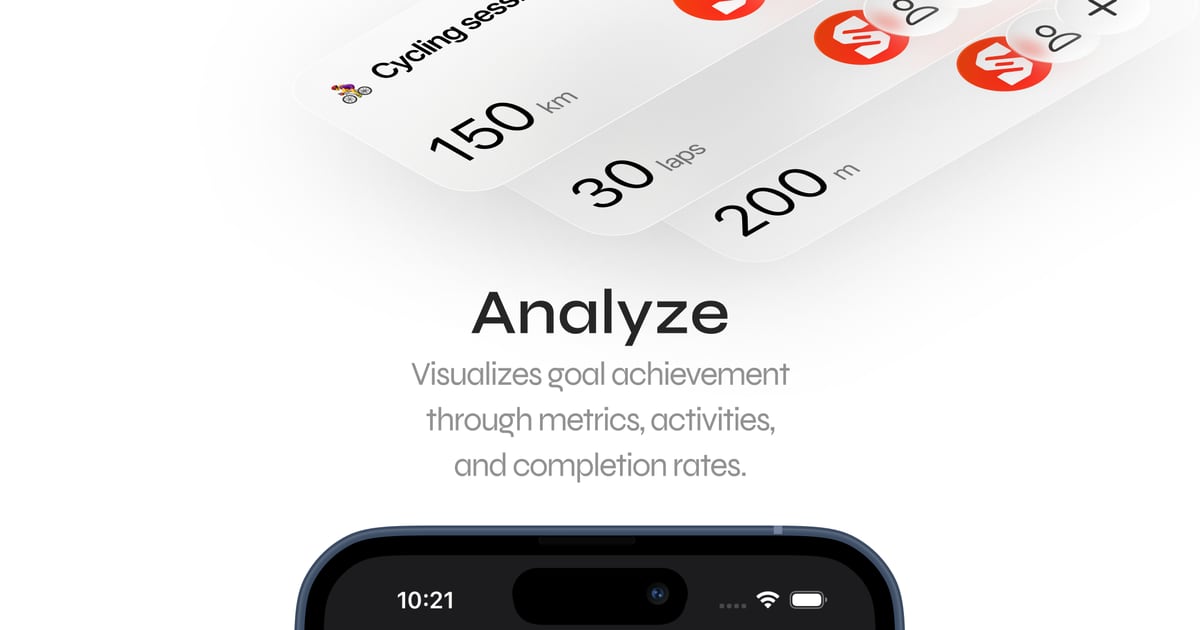
Progress connects goals, activities, logs, Apple Health-derived updates, and history so you can review the whole pattern.
Create goals, attach activities, and see the logs behind every change.
Review snapshots, history, streaks, and projected completion over time.
Use signals like steps, workouts, sleep, and body metrics without uploading raw HealthKit streams.
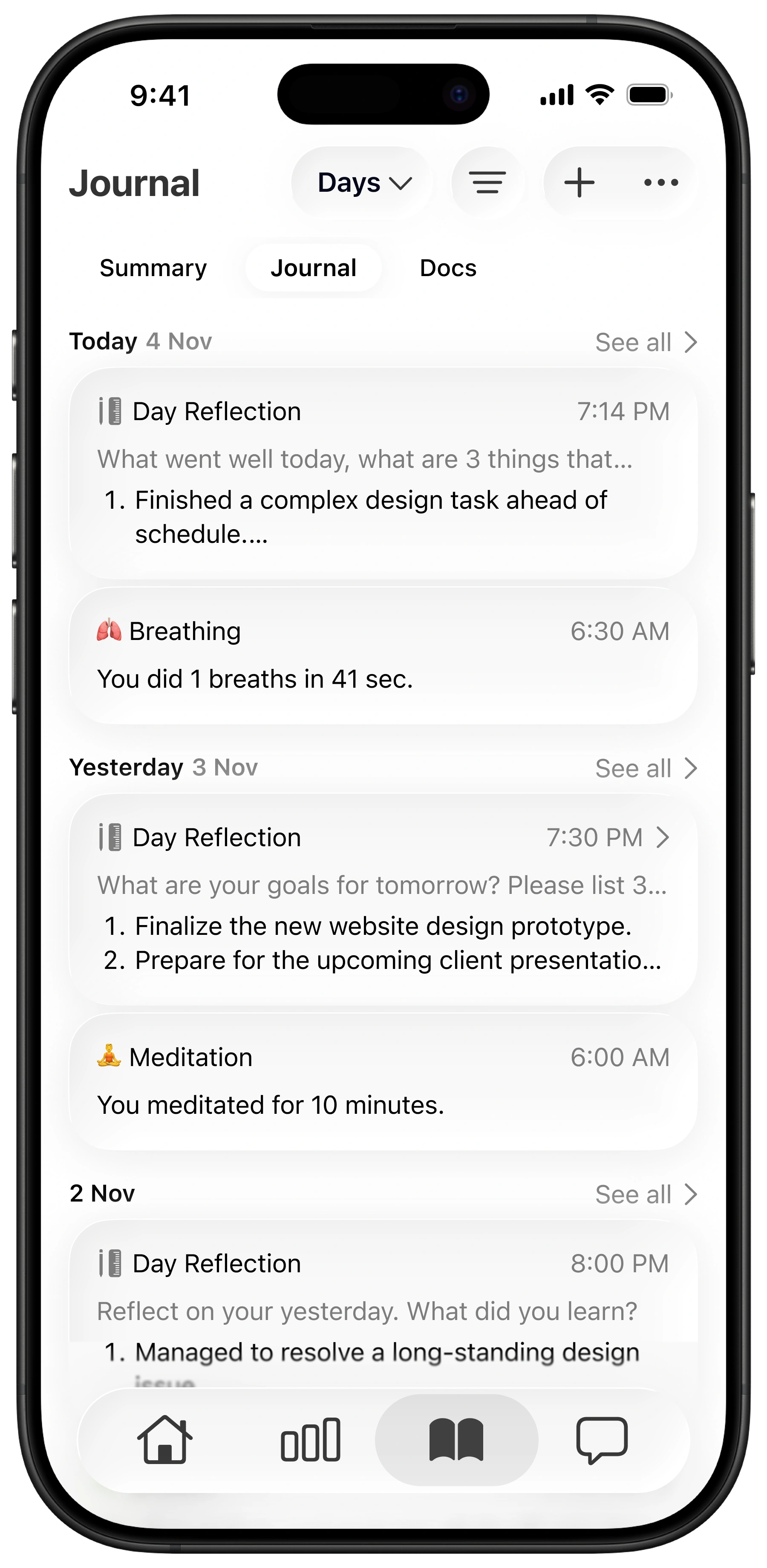
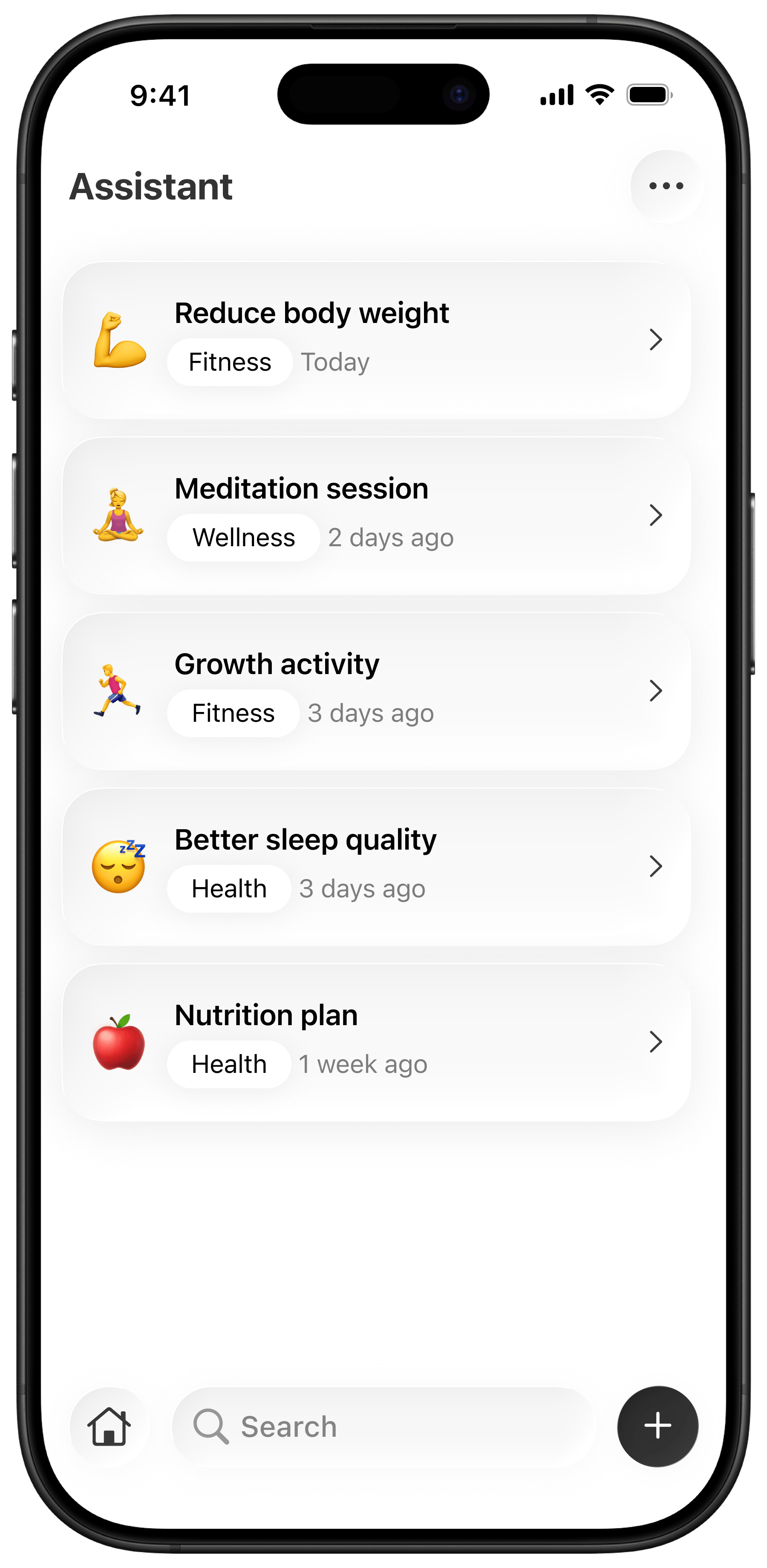
Journal preserves reflections, mood, notes, and system history, while Coach helps turn selected context into better actions.
Find notes and system entries by type, source, tag, date range, or text.
Ask for goal drafts, activity ideas, and plan adjustments based on context you control.
SwiftData stays the source of truth, with Face ID/PIN protection and optional sync modes.
Demo library
Short walkthroughs show how Synk moves from plan to action to reflection.
Use cases
Synk is for people who want health data, goals, and reflection to become something they can act on today.
01
Turn goals like better sleep, hydration, movement, or mindfulness into specific activities that show up when they matter.
02
Connect workouts, steps, sleep, body metrics, and manual logs to the goals those signals are supposed to support.
03
Keep notes, mood, activity history, and reflections together so you remember why a routine worked or stalled.
04
Start local-first, enable sync only when it is useful, and use AI Coach with the context you decide to share.
Pricing
Free gives you the local-first planning loop. Pro adds AI Coach, unlimited routines, deeper history, attachments, export, and sync.
Start with the private planning foundation: goals, activities, journal entries, timers, and basic history
Included
Add AI Coach, unlimited planning, deeper history, attachments, export, and sync
Included
Different routines need the same foundation: clear actions, private progress, and context you can trust.
01
For users turning broad fitness goals into scheduled actions
Synk AI turns broad fitness goals into scheduled actions. Home makes the next step obvious, and Progress shows whether the routine is actually working.
02
For users who want local storage before optional sync
The local-first model matters. I can track activities, review trends, and keep a journal without feeling like every detail has to live in the cloud.
03
For users connecting journal context to progress history
Journal connects reflections with goals and activity history. It is easier to understand why progress changed instead of only looking at numbers.
FAQ'S
Answers to common questions about local storage, sync, AI Coach, and subscription options.
support@synk-app.comRead practical guides about daily wellness planning, privacy-first tracking, Apple Health progress, journaling, and AI-assisted goal creation.
Product Update
Explore what is new in Synk 1.3.0: Google Sign-In, privacy-gated analytics, in-app release notes, Journal note sharing and reminders, and timer polish.
Desktop
Synk AI now fits the desktop routine: plan with more space, review progress clearly, and keep the same local-first wellness system connected.
Synk AI
Synk AI is built for people who want daily health actions, private tracking, long-term wellness memory, and optional AI guidance in one app.
Start local-first
Use Synk to plan the actions, track the progress, remember the context, and adjust with AI Coach when you need help choosing the next step.