How Synk AI Onboarding Builds Your First Health Plan
How Synk AI onboarding helps users choose trackables, connect HealthKit, create starter goals, select activity templates, and start with a real plan.
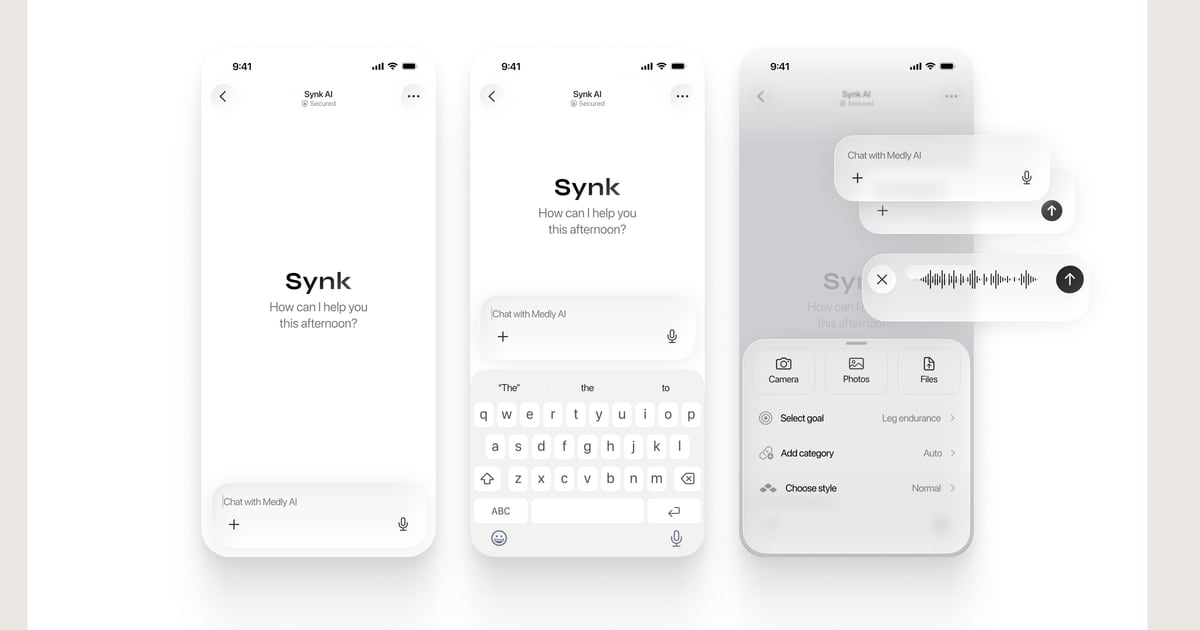
Key takeaways
- Synk AI onboarding helps users start with trackables, goals, and activities.
- HealthKit preferences and permissions are part of the setup flow when users want them.
- Starter goals and templates reduce the friction of beginning a wellness routine.
- The goal of onboarding is a usable plan, not an empty app shell.
A wellness app should not start empty
Many health apps ask a user to sign up and then leave them with a blank dashboard. That creates friction at the moment when motivation is highest.
Synk AI onboarding is designed to help the user create a starting plan. The user chooses what they want to track, sets preferences, creates starter goals, selects activity templates, and decides how much data sharing or sync they want.
Trackables shape the first plan
The setup flow can collect what matters to the user: fitness, sleep, hydration, mindfulness, nutrition, recovery, mood, medical routines, or other lifestyle goals. Those choices shape the first goals and activities.
This makes Synk AI feel more like a personal health operating system than a generic checklist. The first screen after onboarding can already reflect what the user wants to improve.
- Choose wellness areas that matter now.
- Connect HealthKit only when it supports the plan.
- Create starter goals that match the selected trackables.
- Use activity templates to make daily execution easier.
Permissions and storage choices stay visible
Onboarding is also where trust starts. Users should understand why permissions are requested and how storage choices affect their data.
Synk AI supports local-first use, with optional iCloud or Synk Cloud sync depending on the user’s preference and plan. That means the user can begin with private local tracking and decide later whether sync is worth enabling.
The result is a daily loop
A good onboarding flow should end with an action loop the user understands. In Synk AI, that loop is simple: open Home, complete today’s activities, review Progress, reflect in Journal, and use Coach when planning help is useful.
That first loop is what turns setup into behavior.
Build the daily plan behind your wellness goals
Synk AI turns goals, activities, journals, and HealthKit-derived progress into a clear daily action plan.
Explore Synk AI